
Reporting template
Student progress report template for independent flight instructors
Use this copy-ready student progress report template to summarize completed training, observed evidence, priorities, and next-step preparation.
Quick orientation
What this guide helps you do
A student progress report should be a concise navigation aid, not a substitute for a logbook, endorsement, or the CFI's underlying records. It should tell the student what happened, what the instructor observed, and what to prepare next.
Key takeaways
- Report observable evidence instead of vague ratings or automated readiness claims.
- Separate the student-facing summary from private instructor notes and sensitive records.
- Link each priority to a specific preparation task and next lesson objective.
- Keep required instructor records and endorsements in their appropriate authoritative form.
What the report should accomplish
A useful progress report is not a transcript of every note the instructor captured. It is a short decision aid that helps the student understand what changed, what needs attention, and what preparation will make the next lesson productive.
Send it on a predictable cadence and keep the layout consistent. Students should be able to scan the report in a minute, recognize the source period, and open the authenticated workspace when they need the supporting detail.
Before writing the report
- Confirm the correct student and instructor workspace.
- Set the reporting period and workspace timezone.
- Resolve incomplete or duplicate lesson records before calculating totals.
- Separate instructor-observed evidence from student self-reflection.
- Check that any automated draft accurately reflects the source records before sending it.
Copy-ready student progress report
Use the same fields every week so both people can compare progress without decoding a new format. Replace bracketed prompts with concise, behavior-based observations and omit any section that has no verified source data.
Reusable template
Student progress report — [reporting period]
Workspace: [instructor/workspace name] · Timezone: [timezone]
- At a glance
- [Lessons completed] · [instructional time] · [next confirmed lesson]
- Objectives covered
- [Lesson objective] — [completed, modified, or deferred and why]
- Observed strengths
- [Specific behavior the student should repeat]
- Priority improvements
- [One to three observable items, with context]
- Student reflection
- [Student's own summary or questions, clearly labeled]
- Preparation due
- [Task] · [official or instructor-assigned source] · [definition of done]
- Next lesson
- [Proposed objective] · [confirmed/requested time or not yet scheduled]
- Instructor note
- [Short clarification; keep private notes in the authenticated record]
Generated or drafted summaries must receive instructor review before they are presented as the instructor's assessment.
Write evidence the student can act on
Specific feedback identifies a behavior, the conditions in which it occurred, and the next standard or practice target. 'Altitude varied during the first steep-turn entry; the final two entries used a steadier pitch-and-power sequence' gives more direction than a generic score.
Do not let a percentage or status label make a regulatory decision. A report may summarize evidence, but the CFI remains responsible for proficiency, eligibility, required endorsements, and any authoritative logbook or instructor record.
- Describe what was observed, not what software inferred about safety or readiness.
- Name the lesson or date that supports the observation.
- Limit priorities to the smallest useful set for the next objective.
- Pair every assignment with a source and a clear completion condition.
Keep sensitive details out of email
Email is best used as a notification and summary channel. Do not include government-ID numbers, medical details, payment credentials, free-form disciplinary notes, or copies of sensitive documents.
Link the recipient back to an authenticated workspace for private detail. If a student belongs to more than one CFI, make the report and link clearly identify the correct instructor workspace.
Add a human review checkpoint
Automated reports should be generated from tenant-isolated records and should never cross instructors. Give the CFI control over delivery preferences and an opportunity to correct inaccurate source records before the next scheduled digest.
A progress report supports the training relationship; it does not replace required endorsements, instructor records, checkride eligibility determinations, or entries in the student's authoritative logbook.
Instructor send check
- The recipient and active instructor workspace are correct.
- Every total can be traced to a dated source record.
- No sensitive document, medical detail, payment credential, or private note appears in the message.
- Readiness and endorsement decisions are stated only by the responsible instructor through the proper process.
- Links require authentication and open the intended workspace.
Worked example: replace a vague progress label with evidence
Instead of ‘doing well,’ Morgan records the task attempted, Alex's observable response, the assistance provided, and the next objective. Completing a lesson does not mean every task was demonstrated successfully.
Reusable template
Adapt this fictional example
- Objective
- Explain the instructor-selected lesson sequence during the pre-lesson discussion
- Observed
- Alex described the sequence but needed two prompts to identify the review points
- Next preparation
- Revisit the selected reference and prepare a short explanation; the instructor reassesses during instruction
Fictional administrative example, not a flight procedure, eligibility assessment, or endorsement.
Primary sources
Check the current official material
Rules, standards, and guidance can change. Open the current source before using this resource for a real training or recordkeeping decision.
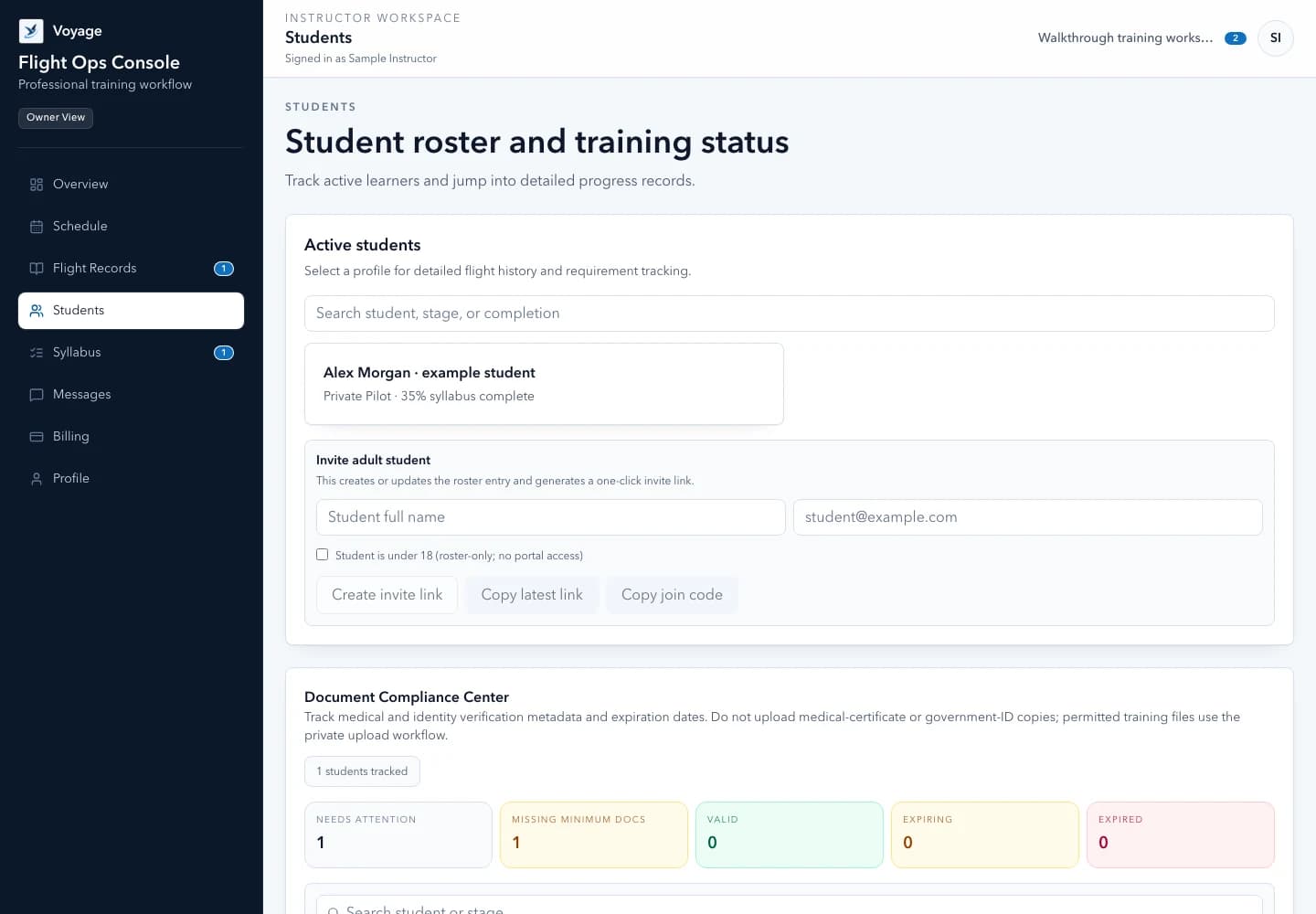
Use the workflow in Voyage
See Voyage student management
Keep a student's schedule, preparation, progress, messages, and follow-up connected to the correct instructor workspace.
Explore the product workflowPublished and maintained by Voyage. Read how Voyage researches, updates, and corrects its resources.