
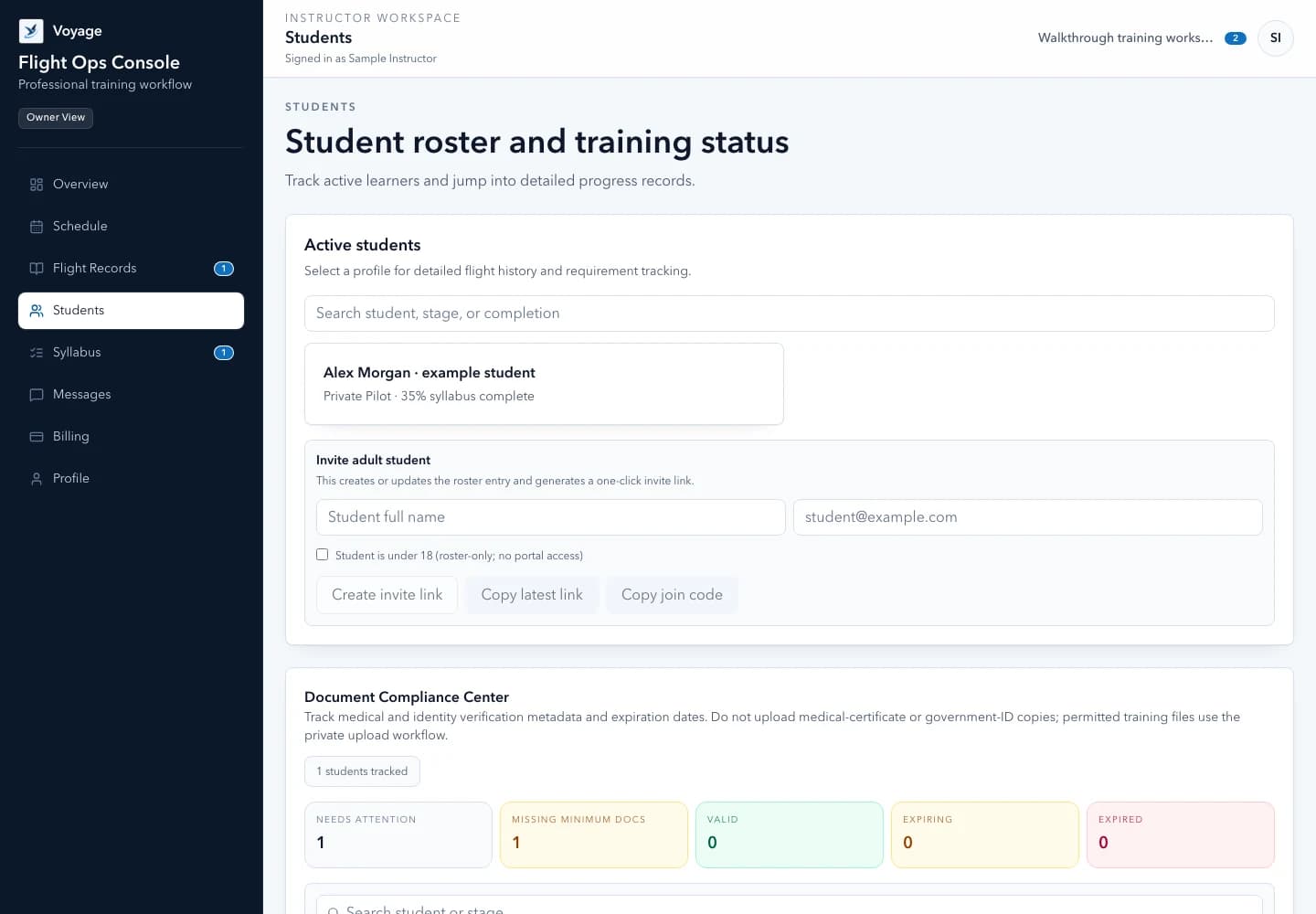
CFI student management software

CFI Student Management Software

Voyage gives independent CFIs one private student management workspace for the work around flight lessons. Keep the next action visible to the student while the instructor retains control of assessment, records, and operational decisions.

Student management product preview

See the next action across your active roster

Roster signals bring bookings, preparation, progress, and unread messages into one view while each instructor-student relationship remains workspace-scoped.

Voyage sample workspace

See the next action across your active roster

12

active sample students

  • Jordan Lee

    Lesson tomorrow · Preparation complete

    On track
  • Morgan Diaz

    No future booking · New message

    Follow up
  • Taylor Reed

    Invoice paid · Debrief acknowledged

    Ready

Illustrative Voyage interface using fictional names and sample values.

Voyage student roster showing fictional student progress and next steps
Keep each student's progress and next action together. Example workspace · fictional data.

A focused workflow

How cfi student management software works in Voyage

Manage a flight-student roster, preparation, messages, progress, payments, and follow-up inside the private workspace for each CFI relationship.

One roster, useful context

Know which students need attention

A roster is only useful when it explains what happens next. Voyage brings upcoming bookings, preparation, progress, messages, and follow-up together for the active instructor workspace.

  • Active and archived student states with explicit workspace membership
  • Upcoming-session visibility and students without a future booking
  • Preparation and unread-message signals beside the student record
  • Support for one student training with more than one instructor workspace

Student experience

Make the next action obvious

Students do not need to see an instructor's private notes to stay engaged. Give them the current request, preparation, debrief, and progress view they need in their own invitation-only experience.

  • Student accounts are free and invitation-only
  • Assigned preparation, knowledge checks, and due points
  • Debrief priorities that can be acted on before the next flight
  • Messages kept in the correct instructor workspace

Communication and payments

Keep business details beside the lesson

Connect the operational work without turning Voyage into a card vault. Instructor rates and Stripe-hosted student invoices can be reviewed beside the training context they support.

  • Workspace-isolated instructor-student message threads
  • Stripe-hosted checkout for adult-student invoice payments
  • Payment and refund status synchronized from signed events
  • Voyage takes no transaction fee at launch for connected-account payments

Boundaries by design

Student management without overclaiming authority

Voyage organizes evidence and follow-up. It does not decide that a student is safe, current, endorsed, checkride-ready, or proficient, and it is not the authoritative logbook.

  • Instructor-controlled assessments and required records
  • No government-ID or medical-certificate image storage
  • Private files protected by authorization and scan status
  • Export and read-only access remain available when a plan ends

Common questions

Know what to expect before you start.

Do students need their own Voyage subscription?

No. Students join an instructor's invitation-only workspace for free. The instructor owner pays for the workspace subscription.

Can one student work with multiple CFIs?

Yes. A student can belong to more than one instructor workspace and explicitly chooses the active workspace. Records and messages remain isolated by instructor workspace.

Can Voyage decide whether a student is ready to solo or take a checkride?

No. Voyage can organize syllabus evidence and highlight follow-up, but the CFI remains responsible for readiness, endorsements, currency, logbook entries, and every training decision.

A practical walkthrough

Give each student one clear next step

Fictional example: Morgan teaches Alex and Jordan in the same workspace. Alex should see Alex's preparation and records, not Jordan's private information.

  1. Instructor: create the correct roster record and invite only the intended eligible adult.
  2. Student: choose the correct workspace and locate preparation, booking requests, and messages.
  3. Instructor: update the next objective from the completed lesson evidence, not a generic progress label.

What this establishes: The roster organizes the instructor's work while student access stays scoped. Minors remain roster-only rather than entering the adult invitation flow.

Put this workflow into practice

Choose a focused feature guide or practical resource to review the next step before starting your instructor workspace.

Give your next lesson a clearer runway.

Start the complete Voyage workspace for 14 days with no card required. Students join free by invitation.

Start free trial